
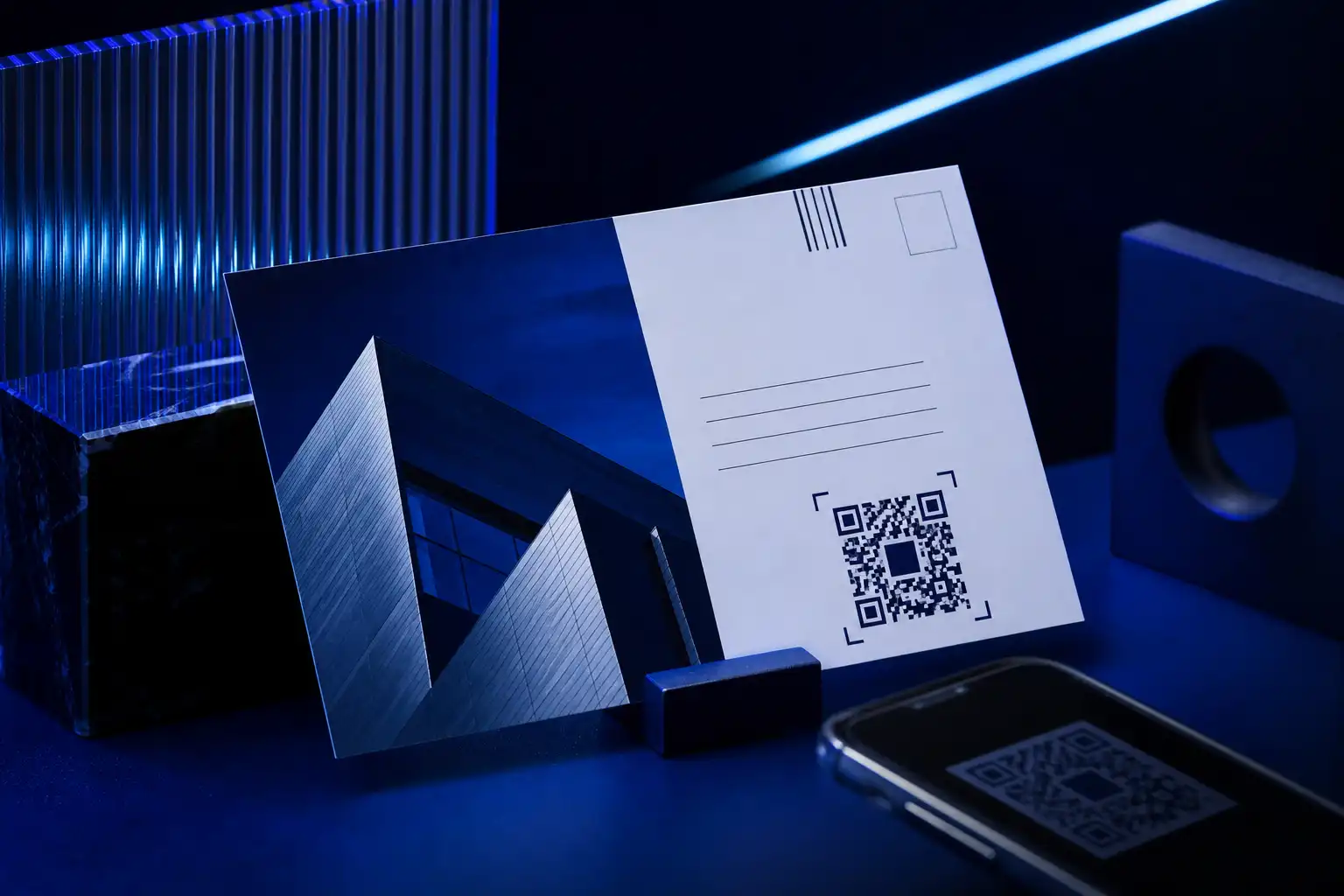
How to Effectively Add a QR Code to Your Direct Mail Postcard
Adding a QR code to your direct mail postcard can bridge the gap between print and digital, transforming a static piece of mail into an interactive experience. It’s an effective strategy that can improve engagement rates, and studies show that QR codes can boost response rates by as much as 20-30%.
Let’s break down how to add a QR code to your postcard without complicating the process.
Step 1: Choose Your QR Code Generator
The first step is selecting a solid QR code generator. Look for one that offers customization and tracking features. Free websites like QR Code Monkey are good for simple code creation, but paid options like QR Code Generator or Bitly provide better tracking capabilities to assess your campaign’s performance.
Keep in mind that a QR code is only as effective as its destination. Ensure that it links to a mobile-optimized landing page or a relevant offer. Ideally, this page can be specifically designed for visitors arriving via the QR code.
Step 2: Design Considerations
When integrating a QR code into your postcard, don’t treat it as an afterthought. Design matters. The placement and size of the QR code should enhance the postcard’s overall layout.
Here are some guidelines:
- Keep it large enough to be scanned easily — at least 1” x 1”.
- Avoid cluttering the area around the QR code to ensure it stands out.
- Consider integrating the code into your design, using brand colors or patterns.
Be mindful of where your audience might scan the code — outdoors, at home, or at events — and adjust the design accordingly.
Step 3: Test the QR Code
Before finalizing your postcards, test the QR code with multiple devices. This is crucial. A common mistake is to assume that it will work on all smartphones. Ensure it opens the intended landing page quickly and that the content is mobile-friendly.
Use tools like Google Analytics or QR Code tracking services to monitor how well your QR code performs in real time. For example, you can use UTM tracking parameters to see how much traffic comes directly from that QR code.
Step 4: Include a Call to Action
Simply placing a QR code on your postcard won’t drive engagement. You need a compelling call to action (CTA). Tell your audience what they will gain by scanning the code. Use directives like “Scan to get 20% off your next order!” or “Unlock exclusive content by scanning this code!”
Provide clear value. If the reward is compelling enough, your audience will likely take action.
Step 5: Monitor Performance and Make Adjustments
Once your postcards are sent out, monitor the performance data closely. Track scans, clicks, and conversions. If you notice low engagement, analyze elements like the design, placement, and CTA—adjust based on what the data shows.
If your QR code didn’t perform as expected, it could be due to poor design or lack of visibility. You might also reconsider the landing page experience, ensuring it aligns with the expectations set by the postcard.
Common Pitfalls to Avoid
One frequent mistake I’ve seen is using a QR code that leads to an outdated promotion or a website not optimized for mobile. If someone scans your QR code expecting to find an active offer but gets redirected to something irrelevant or broken, they’ll quickly lose interest.
Ensure your QR codes are linked to current and engaging content that meets your audience’s needs.
Conclusion: A Seamless Integration
Integrating a QR code into your direct mail postcard is not just about adding technology; it’s about enhancing the communication experience for your audience. A well-placed, tested code with a compelling CTA can boost engagement rates and drive traffic effectively.
If you want to succeed in this transition between print and digital, start today by choosing a generator and creating your QR code. Your audience is waiting for a better way to engage.
Don't let your postcards become lost in the shuffle. Take immediate action to integrate QR codes into your next campaign; it could be the difference between a good and an excellent response rate.
- Choose a QR code generator.
- Design thoughtfully.
- Test extensively.
- Craft a strong call to action.
- Analyze performance and adapt.
These actionable steps will not only help you maximize your direct mail efforts but also position your brand for deeper customer connections through both print and digital channels.
For additional insights, check out our resources on integrating QR codes into direct mail and tracking QR code performance.
Keep exploring
Ready to Grow Your Business?
Schedule a free strategy session with Jordan Bishop and get a clear marketing plan tailored to your business.
Schedule Your Free Strategy Session